Context:
The Ads Enterprise Design System lacked a standardized thumbnail component, forcing product teams to build isolated, redundant solutions for image and video media. This fragmentation created engineering backlogs, inconsistent naming, visual inconsistencies, and accessibility issues.
Process:
The project began with an audit of the existing media solutions and a PRD to manage goals and stakeholder alignment. After exploring various design directions, I developed and tested mid-fidelity prototypes. By incorporating feedback from the EDS team, I presented a production-ready design proposal and specs with comprehensive guidelines, specifications, and a clear vision for its impact, aligning stakeholders across six Ads product suites.
Result:
The new Ads Enterprise Design System Thumbnail component expands the capabilities of the unified design system to meet emerging product needs. This foundational update eliminates architectural fragmentation, unblocks design workflows for 70+ Ads product teams, and standardizes media behaviors across 200+ feature teams.
Role:
UX Design Intern
Tools:
Figma, Figma Motion, Google Internal Design & AI Tools
Skills:
Design Systems, UI/UX Design, Accessibility, Interaction & Motion Design
Presentation:
go/sejalbandil-portfolio
Overview
Google Ads is a vast and complex ecosystem spanning 70+ enterprise products and 200+ feature teams, creating the risk of fragmented and inconsistent user experiences. The Enterprise Design Systems team addresses this challenge by establishing a single source of truth through reusable components, shared standards, tools, and documentation. This foundation helps product teams work more efficiently while delivering cohesive, accessible, and high-quality experiences across Google Ads.
As a UX Design Intern, I worked at the intersection of design and engineering to evolve this system. My work centered on three main projects: designing a net-new thumbnail component, creating technical design assets and documentation, and collaborating on an AI-powered assistant for design-system support.
Research & Audit
Audit over 130 thumbnail components for specifications, accessibility, and cross-product usage. Synthesize historical UX research and document current pain points. View the full research and audit: go/eds-compev-thumbnails-audit
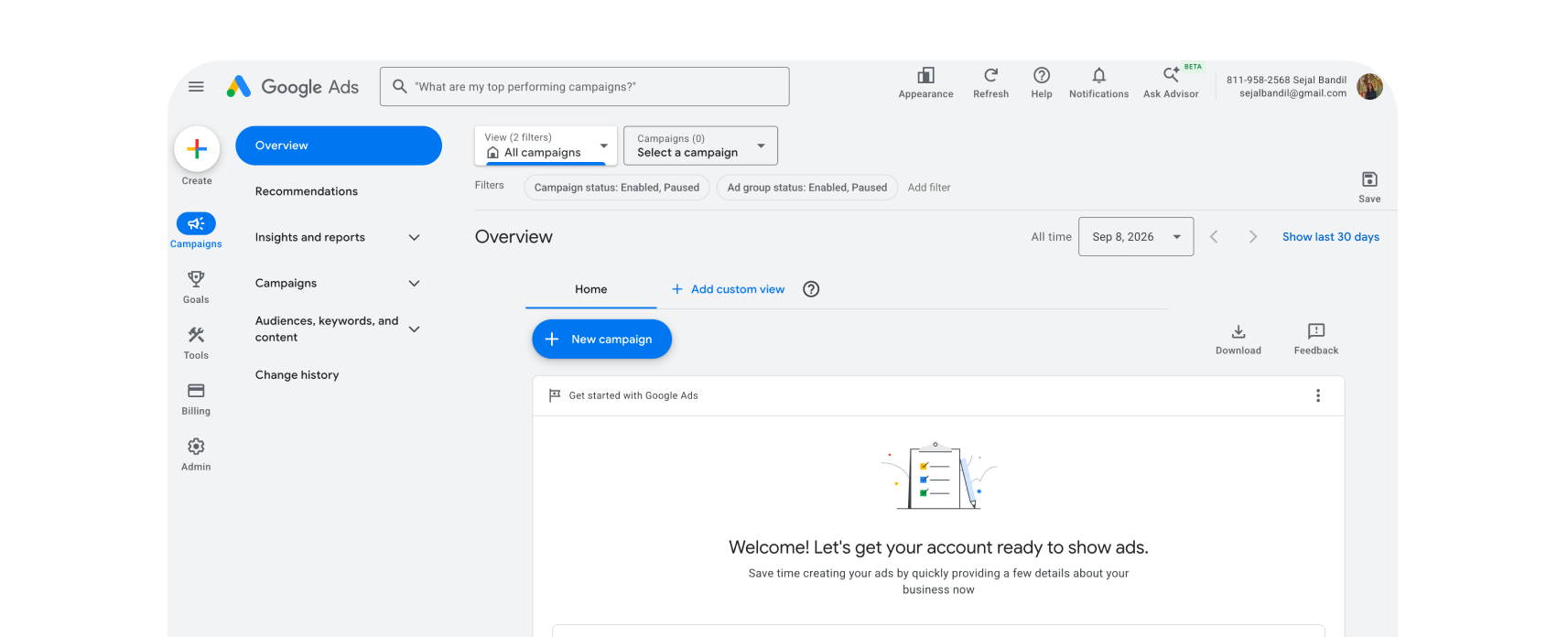
Product Testing Environments
Leveraged this environment to view thumbnails in context, test interactions, and navigate user flows.
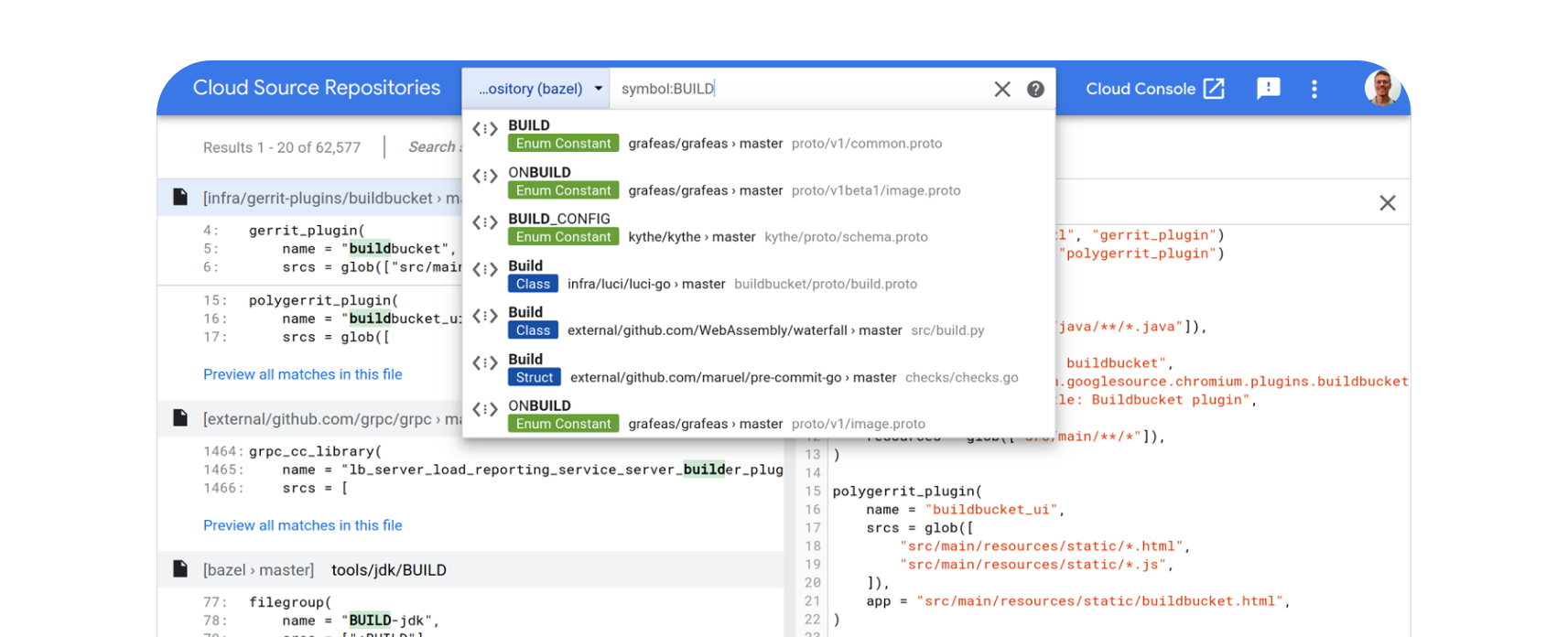
Codebase Search Tools
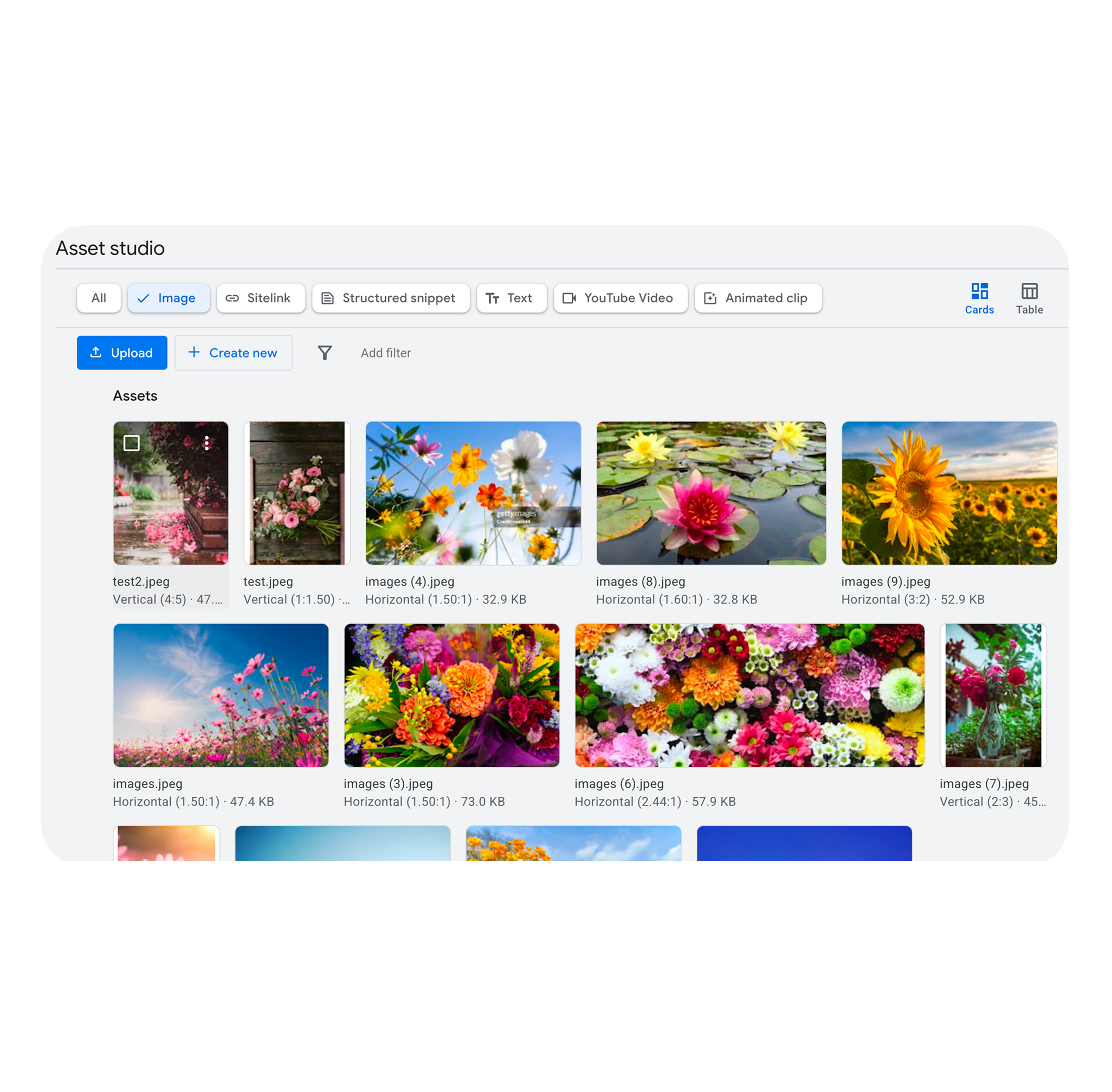
Searched and browed code to find existing examples of media solutions across Ads platforms.
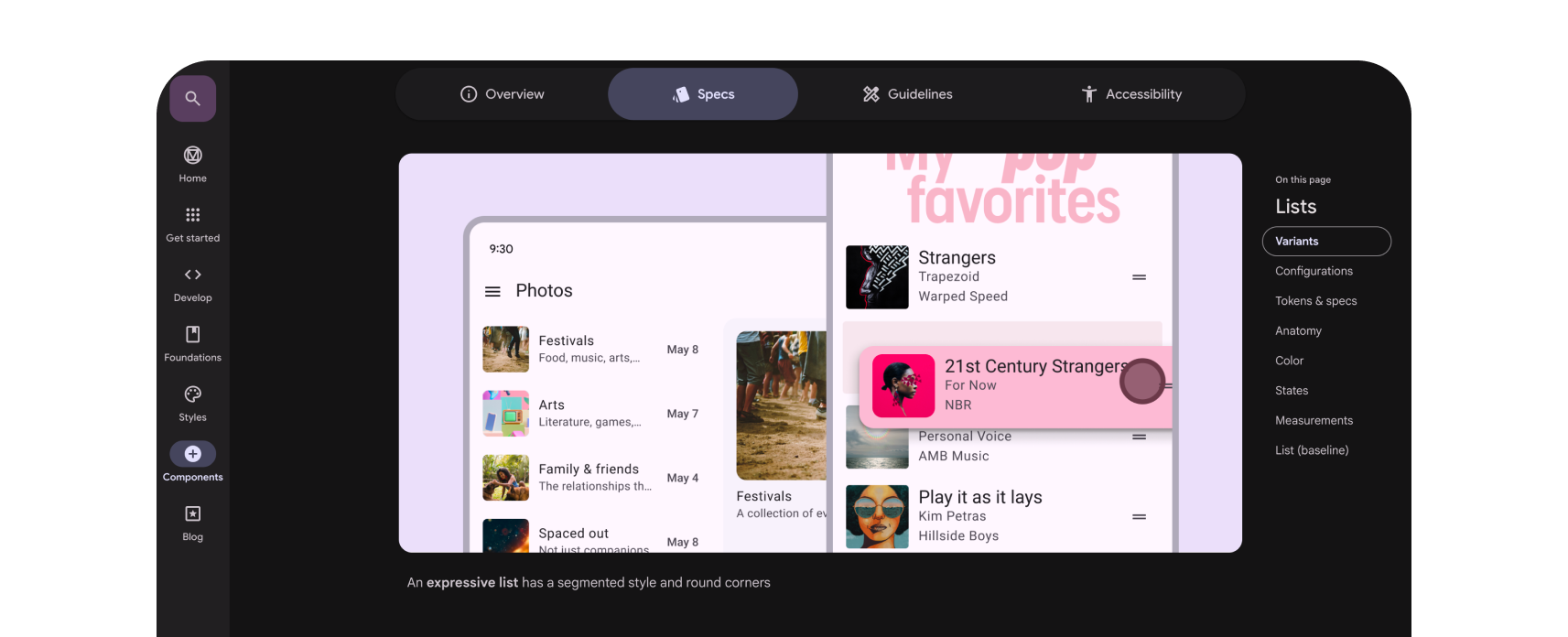
Design System Documentation
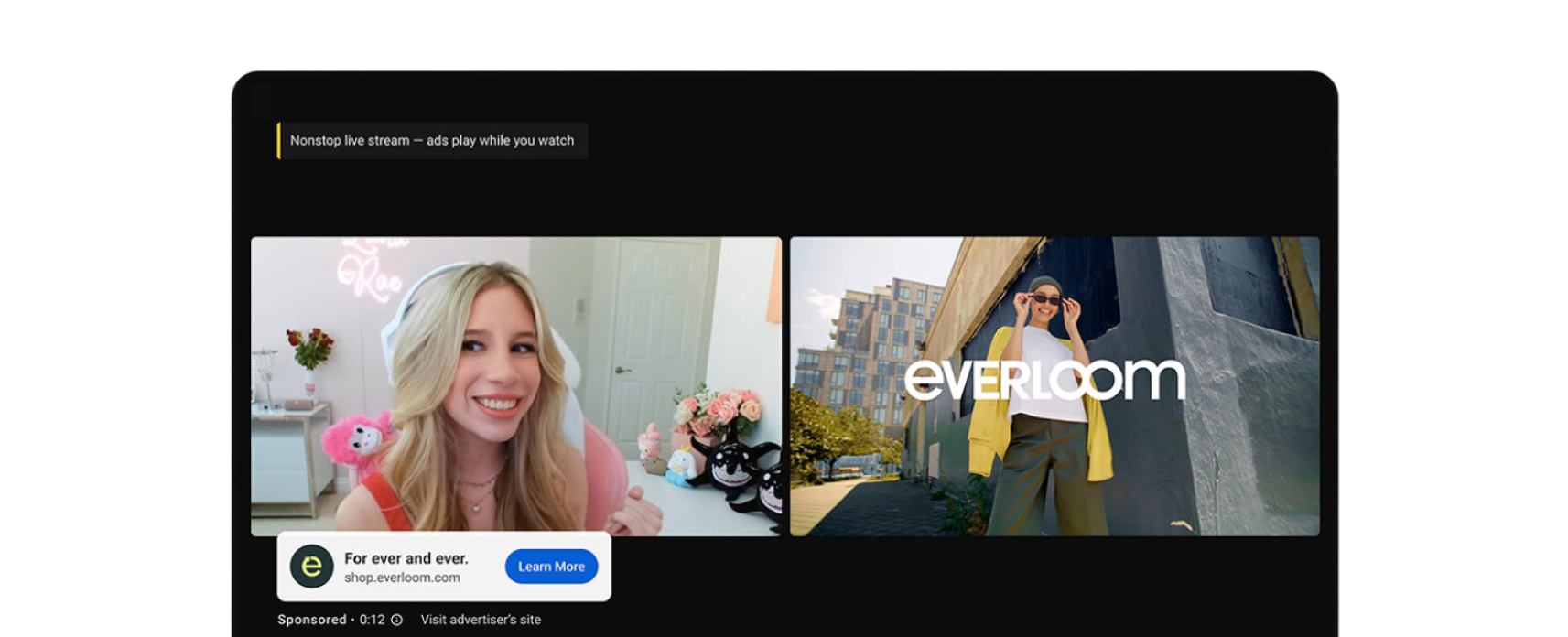
Analyzed how other teams such as Search and YouTube build and document thumbnail components.
YouTube Ads
Consulted with UX designers on Youtube Ads to understand their design solutions and strategic approach to media.
Synthesis
I synthesized research across Ads to identify key thumbnail patterns and gaps, revealing that the lack of a standardized component forced teams to build redundant media solutions.
My research revealed this fragmentation created four distinct problems:
Engineering Backlog: Teams repeatedly built custom thumbnails, creating unnecessary design and maintenance overhead.
Inconsistent Naming: Conflicting terms such as thumbnail, media, display, and asset made components difficult to search for and discover.
Visual Inconsistency: Variations in sizing, padding, and interactions created a fragmented user experience.
Accessibility Issues: Interactive thumbnails lacked standardized focus states, creating barriers for screen-reader and keyboard users.
PRD
Authored and maintained a comprehensive PRD to guide the component’s end-to-end development, align stakeholders, and document evolving decisions across:
Strategic Alignment: Purpose, objectives, deliverables, and success metrics.
Project Scope: Milestones, dependencies, and intentional exclusions.
Risk Management: Assumptions, constraints, open questions, and potential risks.
View the full PRD: go/eds-thumbnail-prd
Exploration & Iteration
I explored multiple design directions for the new component, creating low- and mid-fidelity concepts across thumbnail sizing, icon placement, selection states, and color treatments. Through feedback and iteration with the Enterprise Design Systems team, I refined the strongest direction into a polished design proposal grounded in four key areas: sizing, placement, selection and action states. View full design proposal: go/eds-compev-thumbnails.
Handoff & Delivery
Created a development-ready Figma handoff file with final component designs, detailed specifications, and implementation guidelines.
Impact
Resolved accessibility gaps, eliminated architectural fragmentation, and standardized media behaviors for 70+ enterprise products across 160+ feature teams.
Delivered a development-ready design proposal that aligned stakeholders across six core Ads product suites
The new component filled a critical system gap across the Ads enterprise ecosystem.
Above & Beyond
Carbon Design Assets
Context:
Feature teams rely on the Carbon design system library for clear component documentation and guidelines. To support newly written guidance, visual companion assets were needed to streamline and standardize the creation of high-fidelity mockups.
Process:
Built component assets using the ACX Figma Library and, to elevate the deliverables, leveraged Figma’s new motion tool alongside the Design Agent. This combination made it easy to produce high-quality motion design despite limited animation experience, providing a simple, visual way to communicate complex behaviors and interactions.
Result:
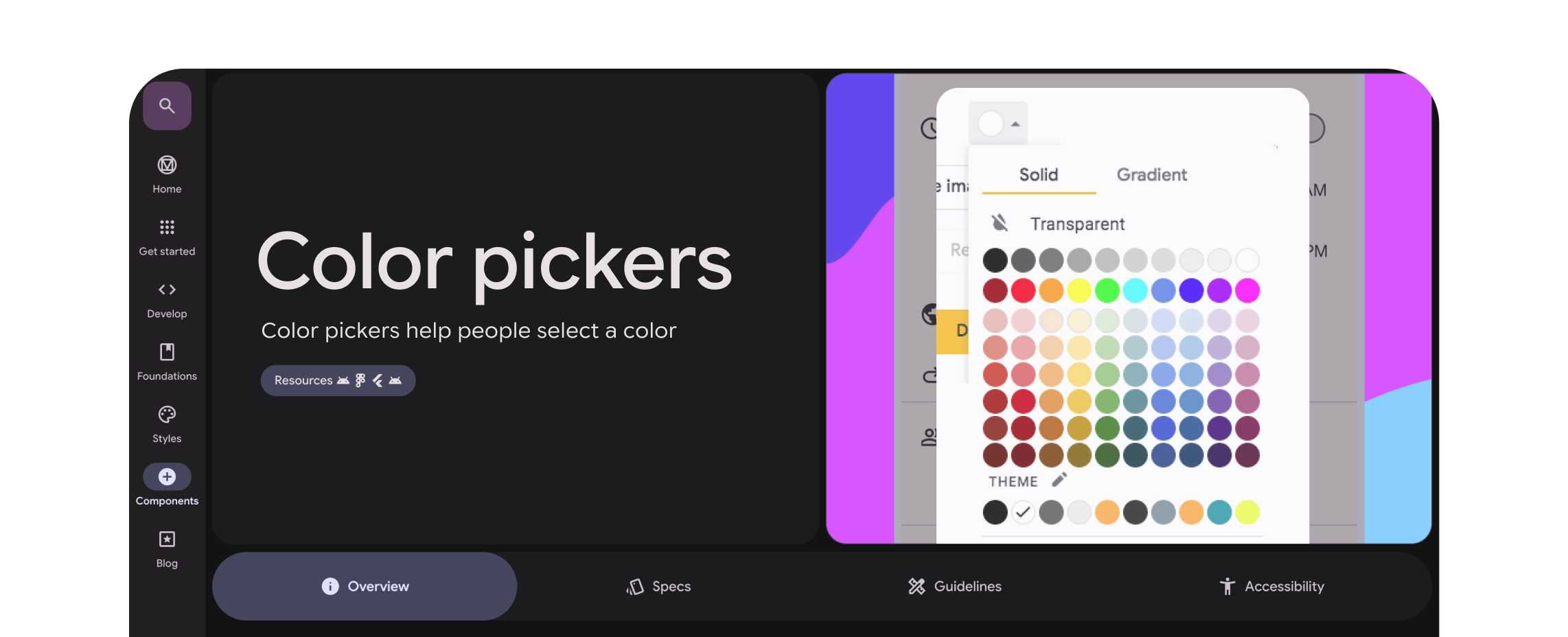
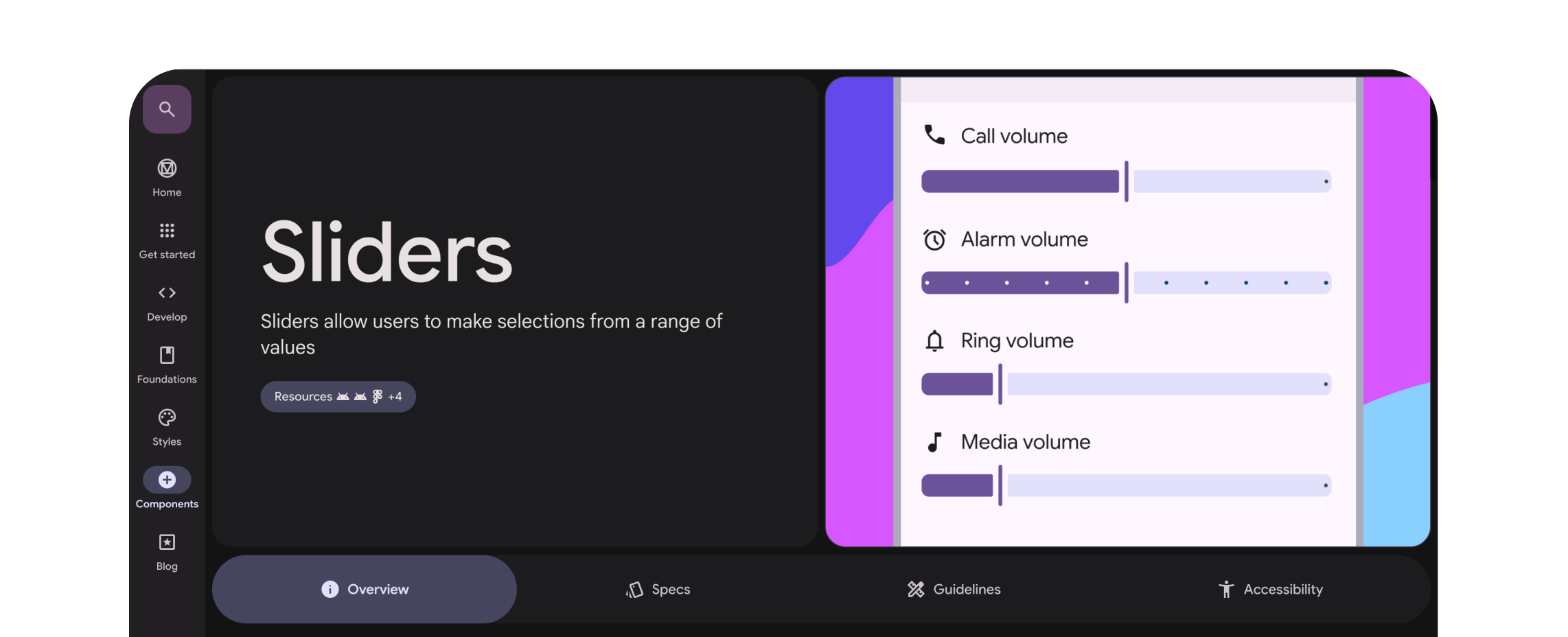
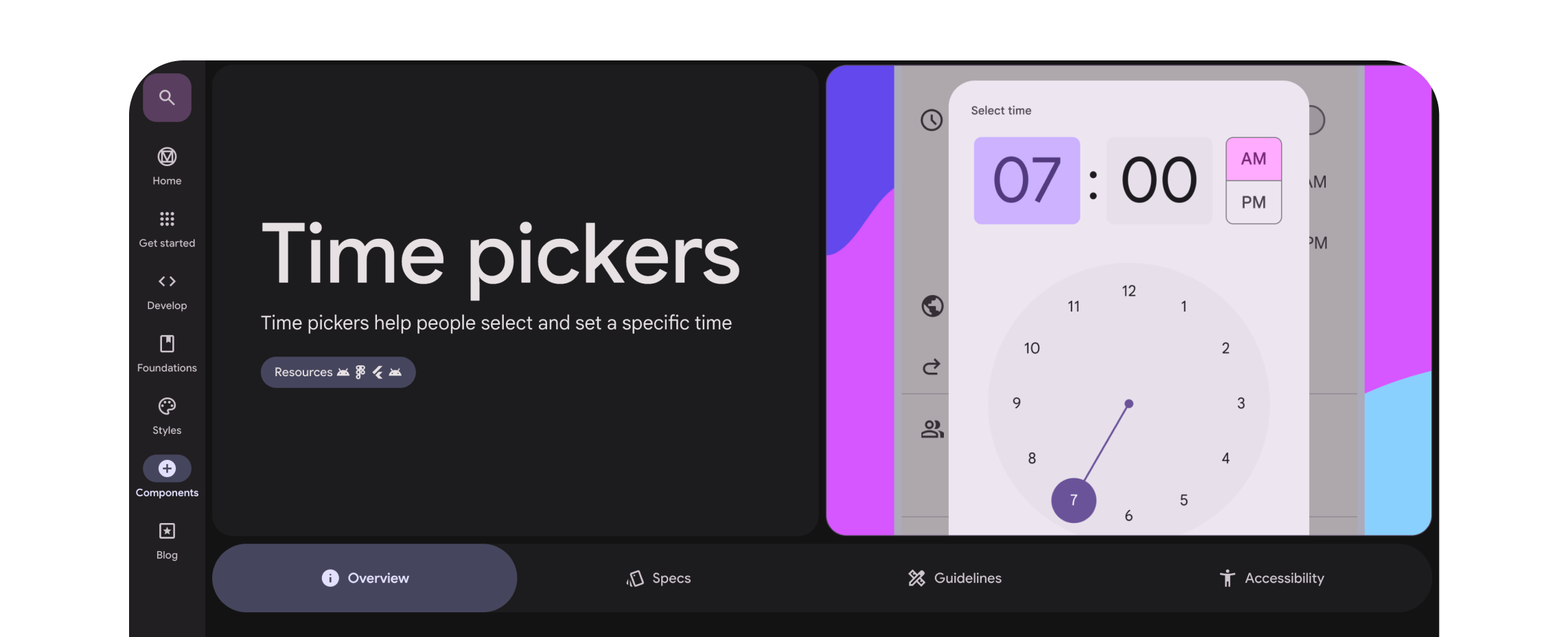
Published four dynamic components to the enterprise design system library, using Figma animations to visualize complex interactions, reducing developer handoff friction and empowering 500+ Ads UXers.
Color Picker
See the full published article: go/axc-ux-color-pickers
Sliders
See the full published article: go/axc-ux-sliders
Agentic Helpline Bot
Context:
Currently, relying on Carbon guidelines, chat support, and office hours creates manual overhead and a 48-hour response time for product teams that lack the time or domain knowledge to search existing documentation.
Process:
Collaborated to build an AI-powered helpline assistant addressing 40% of common support questions. We developed an LLM-powered bot with three custom AI skills, enabling it to retrieve relevant guidance based on component keywords within each question. For baseline testing, I focused on the three components most frequently discussed during office hours: Dialogs (60%), Tooltips (50%), and Callouts (40%).
Result:
This automation reclaims approximately 28 SWE hours per month for the Enterprise Design Systems team and reduces response times from 48 hours to under one minute, while maintaining strict design compliance.
Time Picker
See the full published article: go/axc-ux-time-pickers
Date Picker
See the full published article: go/axc-ux-date-pickers